If you have a custom-branded registration page (e.g., <<yourcompanyname>>.xtrm.com) and want to add company options to the employer/organization list for individual beneficiaries to select during signup, follow these steps:
Adding Companies to Your Branded Signup Page
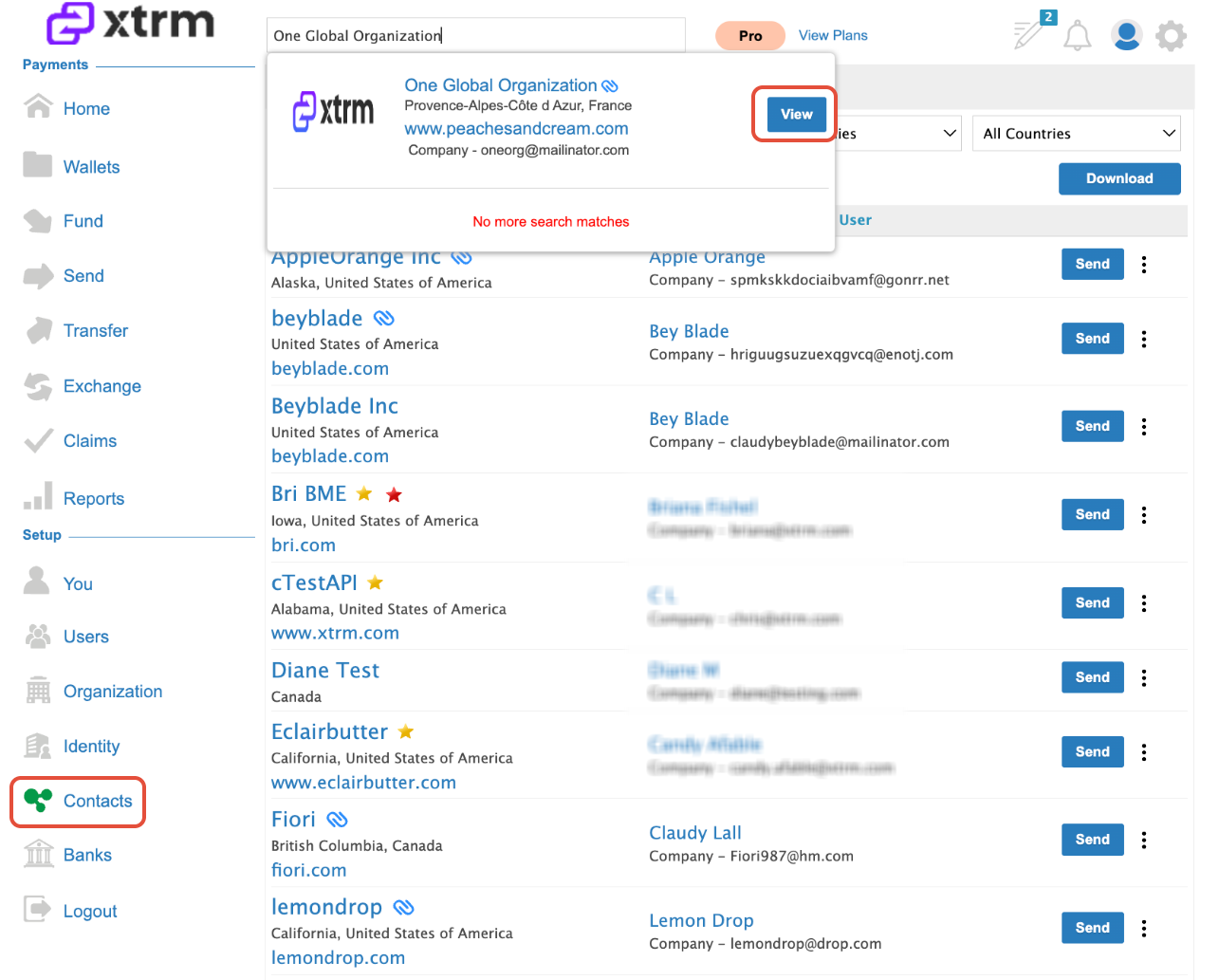
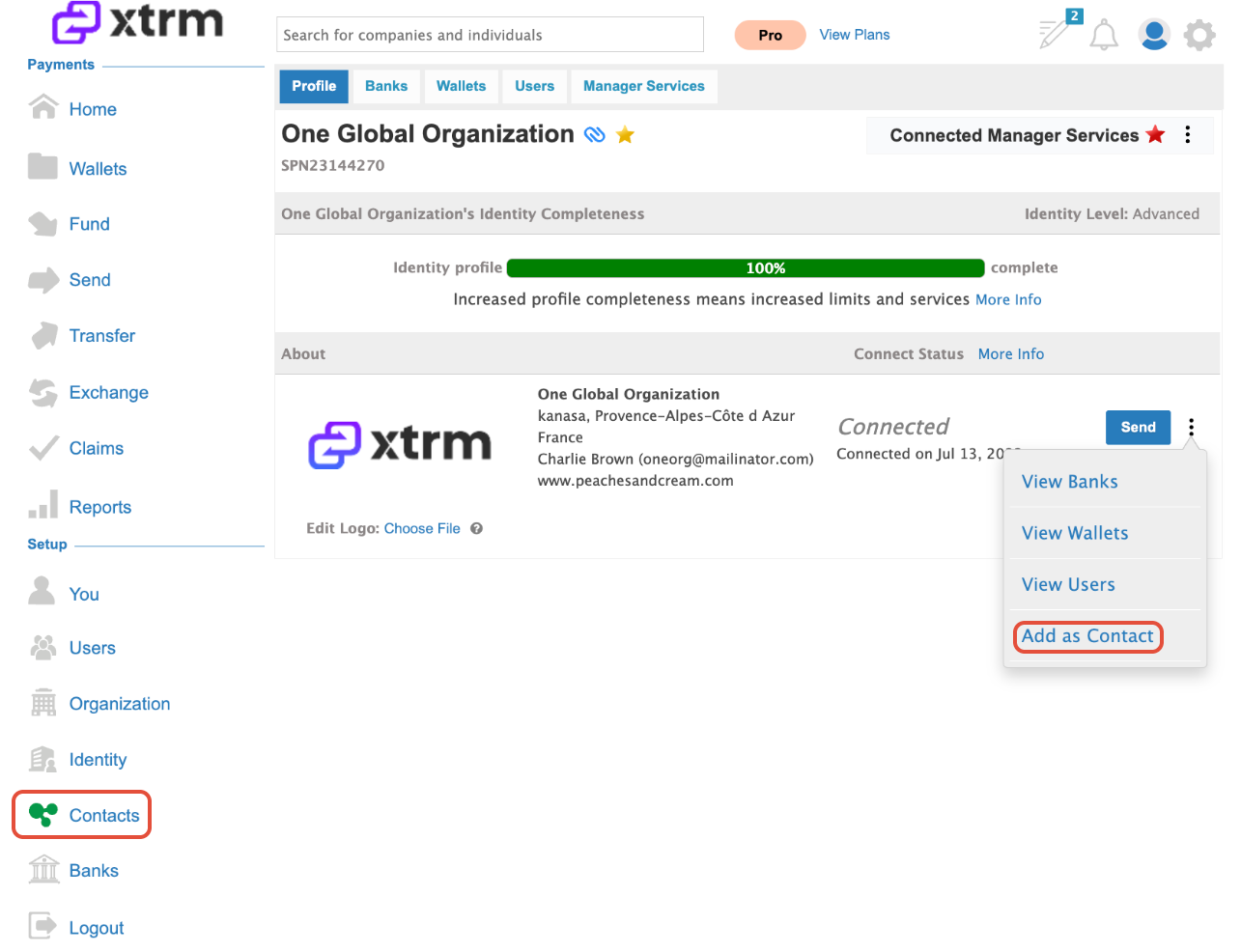
Existing Company: If the company appears in the search results, click View and proceed to Add as a contact
New Company: If the company does not appear in the results, click Add New Company and enter their organization details.
Was this article helpful?
That’s Great!
Thank you for your feedback
Sorry! We couldn't be helpful
Thank you for your feedback
Feedback sent
We appreciate your effort and will try to fix the article